Screen Checklist
Screen Checklist is a Members Skill for binding a real screenshot state to a concise three-step verification checklist. A screenshot is evidence for the supplied state, not a continuous recording.
Reviewed A/B previews
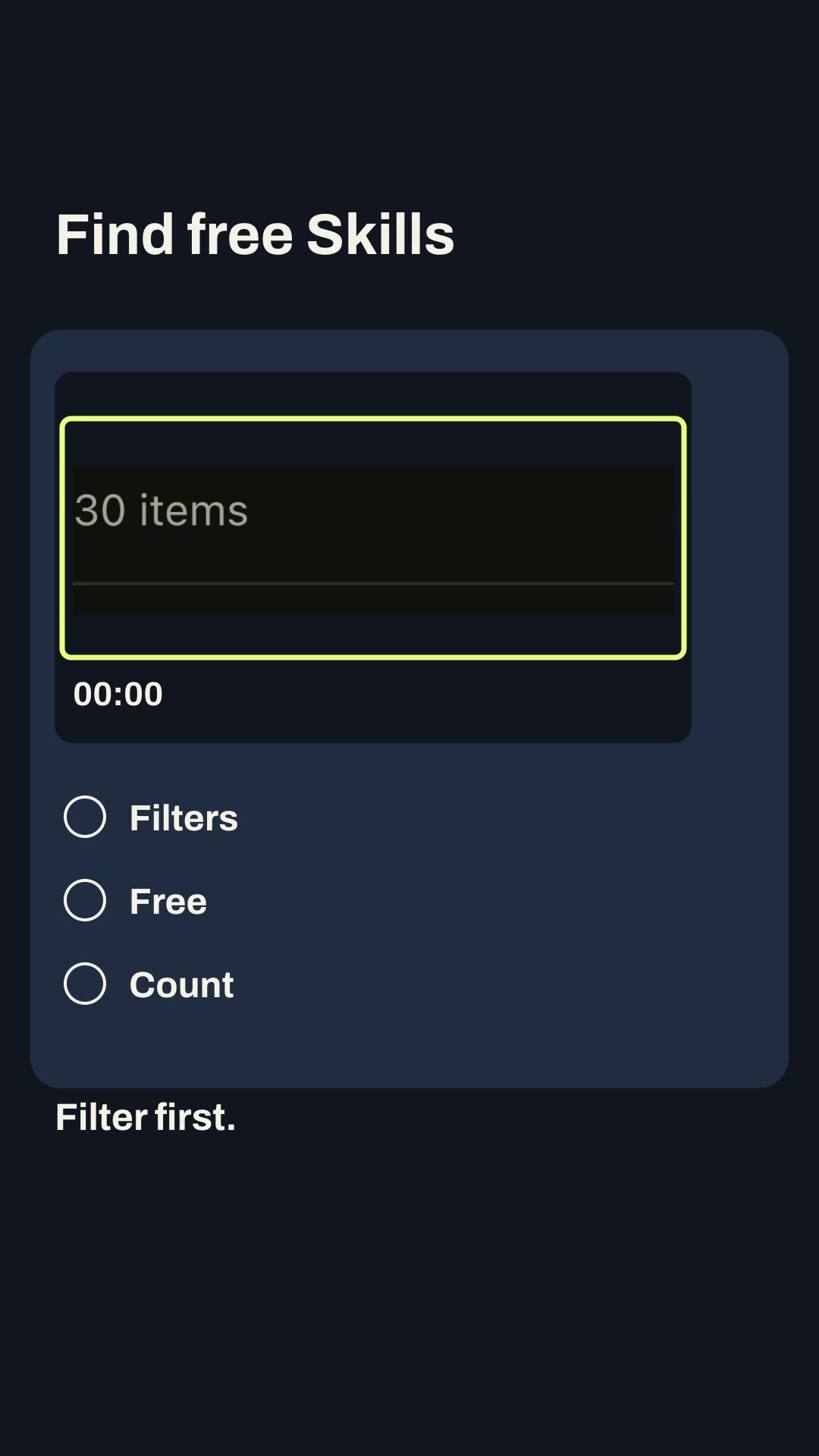
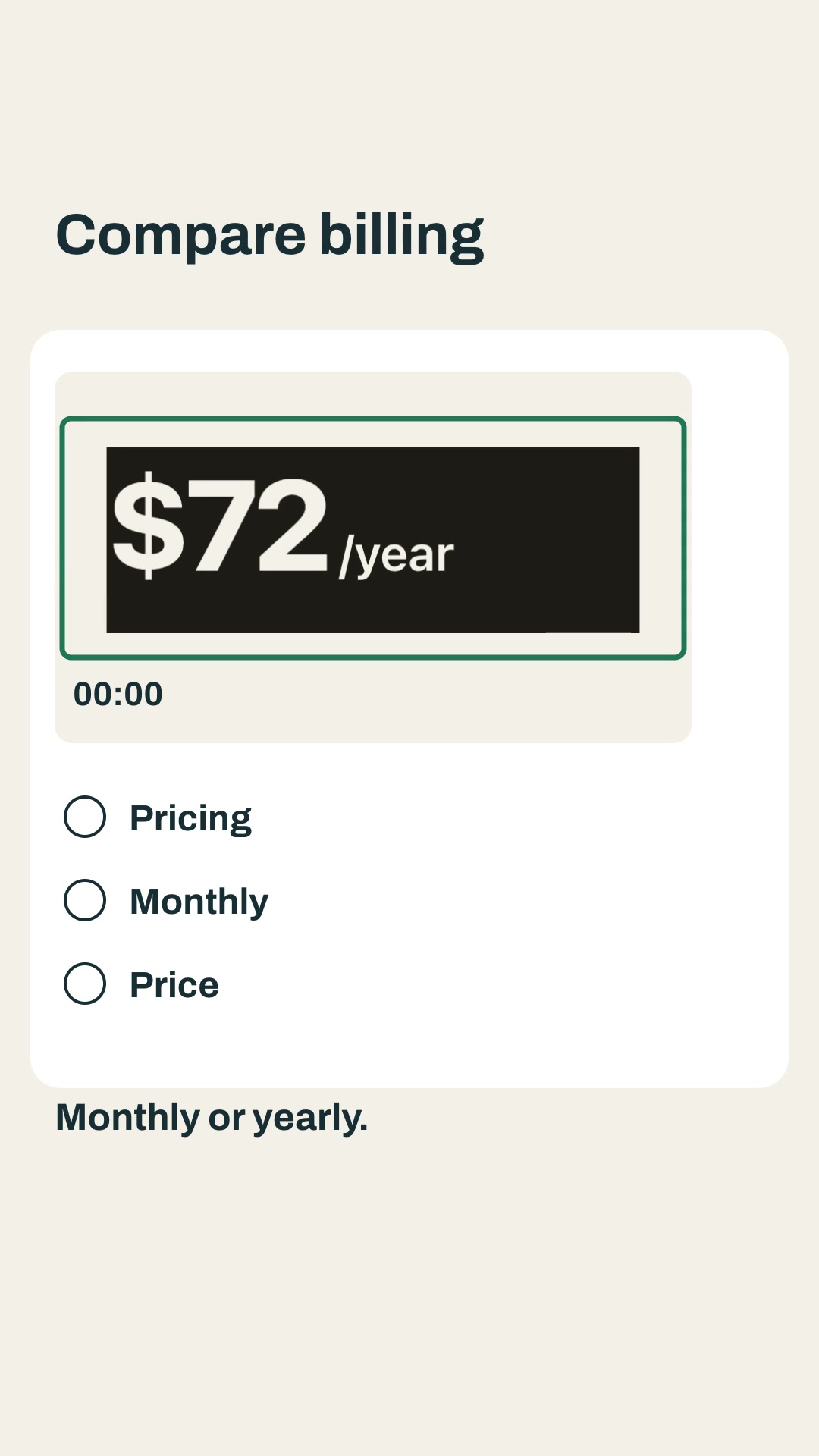
Both examples are editable portrait explainers with burned captions, SRT and measured layout. They use declared screenshot assets and evidence notes, and include a one-scene edit path.
Install and use
Install the approved member package with:
npx --yes --package=https://feedskills.com/downloads/feedskills-0.3.6.tgz feedskills install screen-checklist-feed --agent codexCopy an example brief and its assets/ directory into a project outside the installed Skill. Keep each PNG/JPEG/WebP declaration with its SHA-256 and source, refer to the declared asset id, then run project.mjs check, project.mjs create and the generated render entry. Use local Kokoro for narration; node render.mjs --no-voice is an explicit silent export.
For a single-scene revision, keep scene ids stable, edit one checklist or evidence scene, rerun the render and inspect render-report.json. Compare the changed scene with native decoded frames for the five unchanged scenes.
Boundaries
Inspect screenshot text at phone size and keep claims tied to the captured state. Do not call a screenshot a continuous recording, treat a visual reorder as data growth or use unverified product claims. No automatic publishing or paid media generation is included.