Prompt Diff Feed
Prompt Diff Feed is a Members Skill for showing exact prompt or configuration edits while preserving surrounding context. It describes wording changes only and does not claim a model-quality result.
Reviewed A/B previews
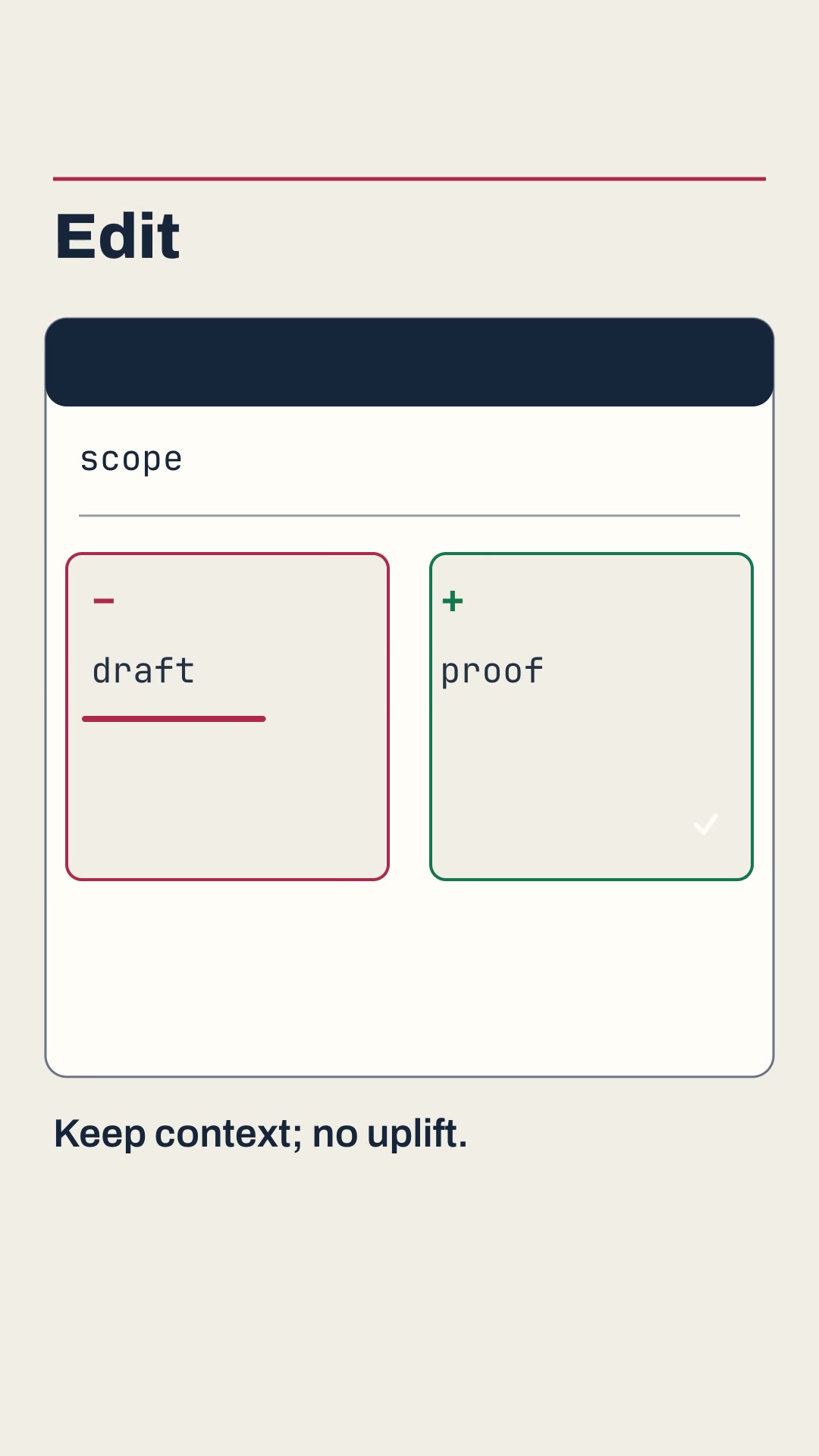
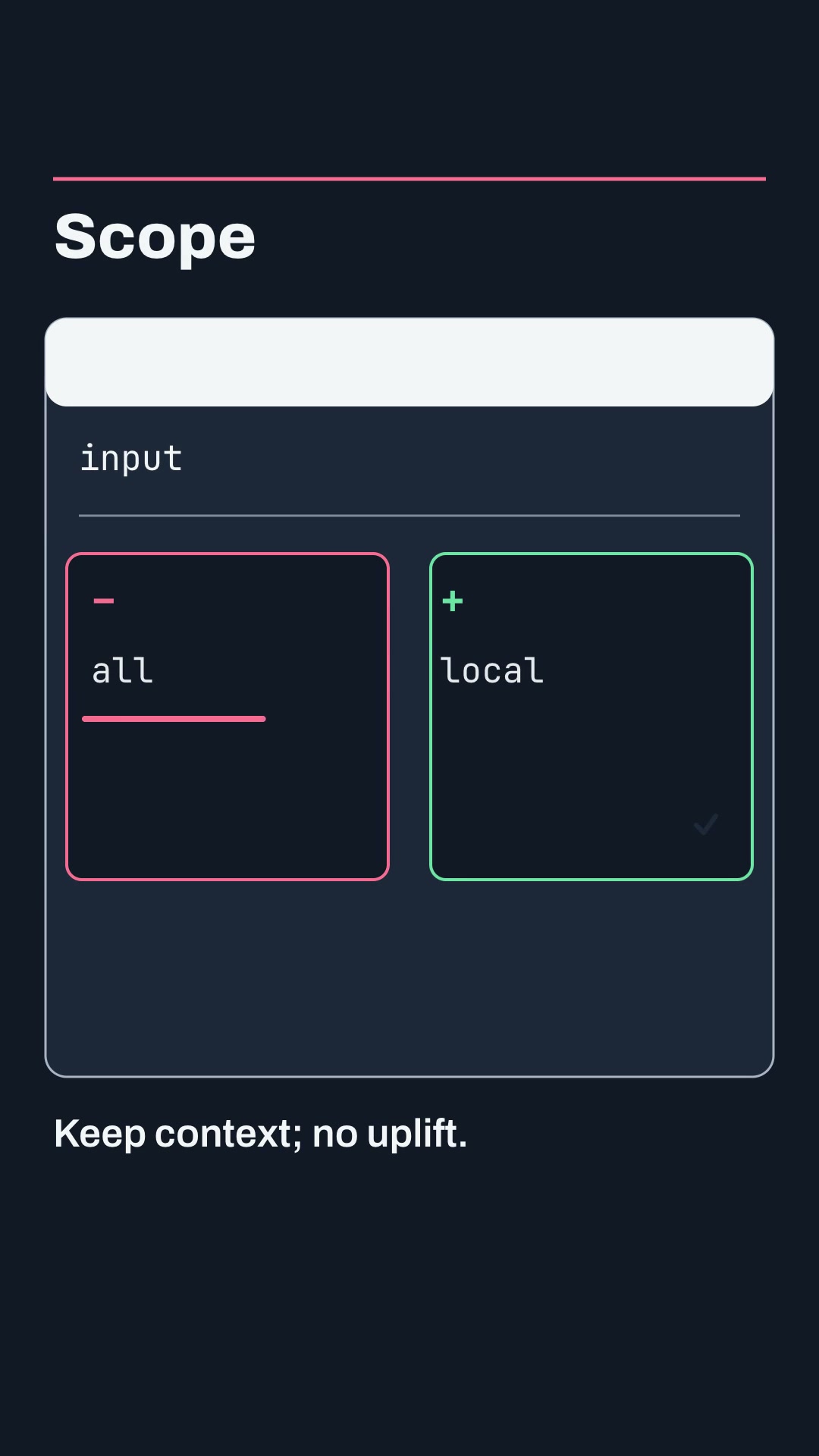
Both examples use six stable split-diff scenes with measured layout, burned captions and SRT. They show distinct English edits and include a local single-scene revision; the wording examples are not before-and-after performance tests.
Install and use
Install the approved member package with:
npx --yes --package=https://feedskills.com/downloads/feedskills-0.3.6.tgz feedskills install prompt-diff-feed --agent codexCopy examples/theme-a.json or examples/theme-b.json into a project outside the installed Skill. Preserve the before text, after text, context lines and source notes exactly, then run project.mjs doctor, project.mjs check, project.mjs create and the generated render entry. Use local Kokoro for narration; node render.mjs --no-voice is an explicit silent export.
For a single-scene revision, keep scene ids and durations stable, edit one copied diff, rerun the render and inspect render-report.json. Compare the changed scene with native decoded frames for the five unchanged scenes.
Boundaries
Do not infer a better model, stronger instruction or safer configuration from a text diff alone. Keep exact whitespace and source notes, avoid credentials and never use remote UI captures or paid media generation.