Menu
Members Video skillTalking Head15–60 sec

Presenter Overlay Pack (Feed)

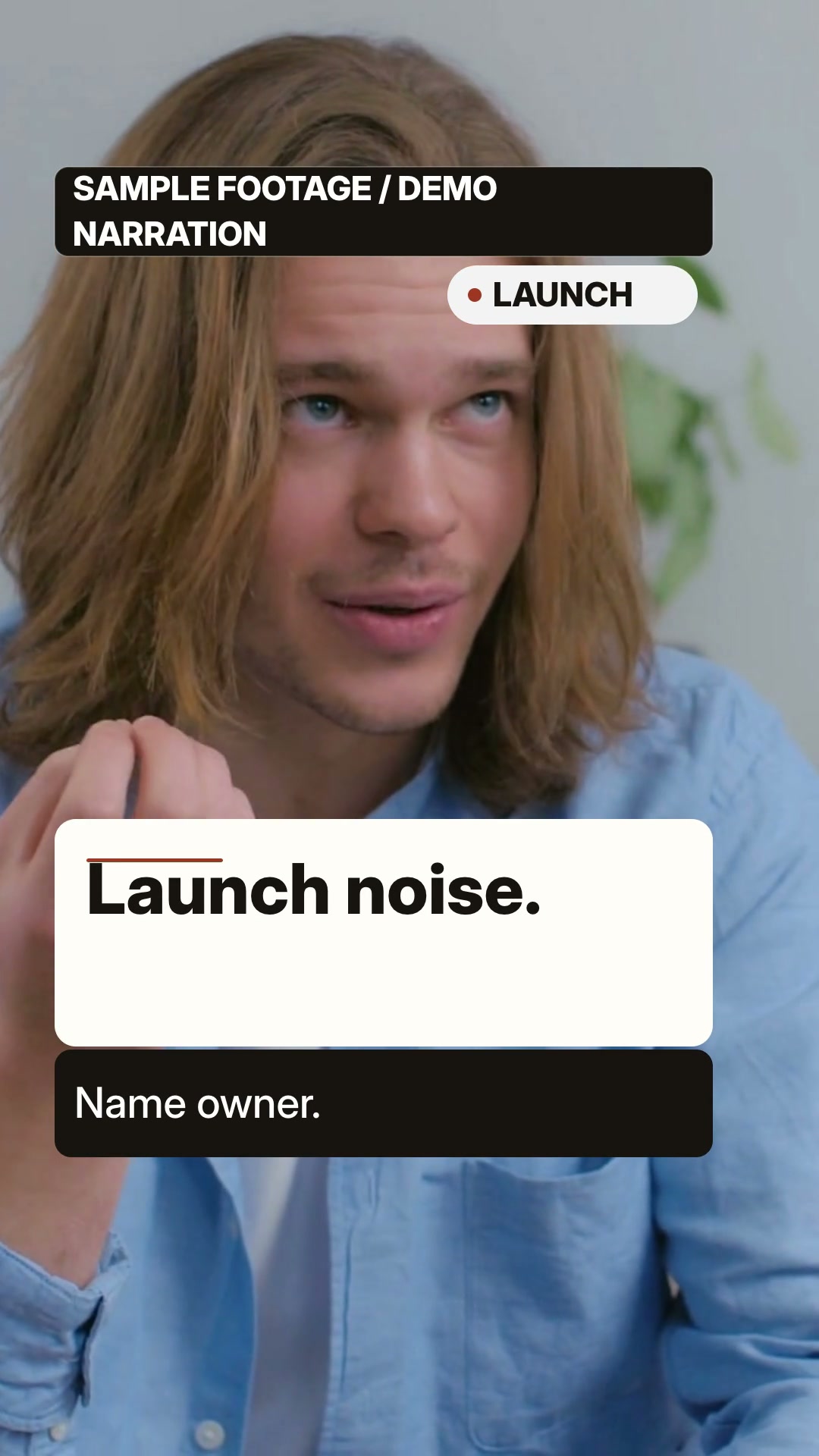
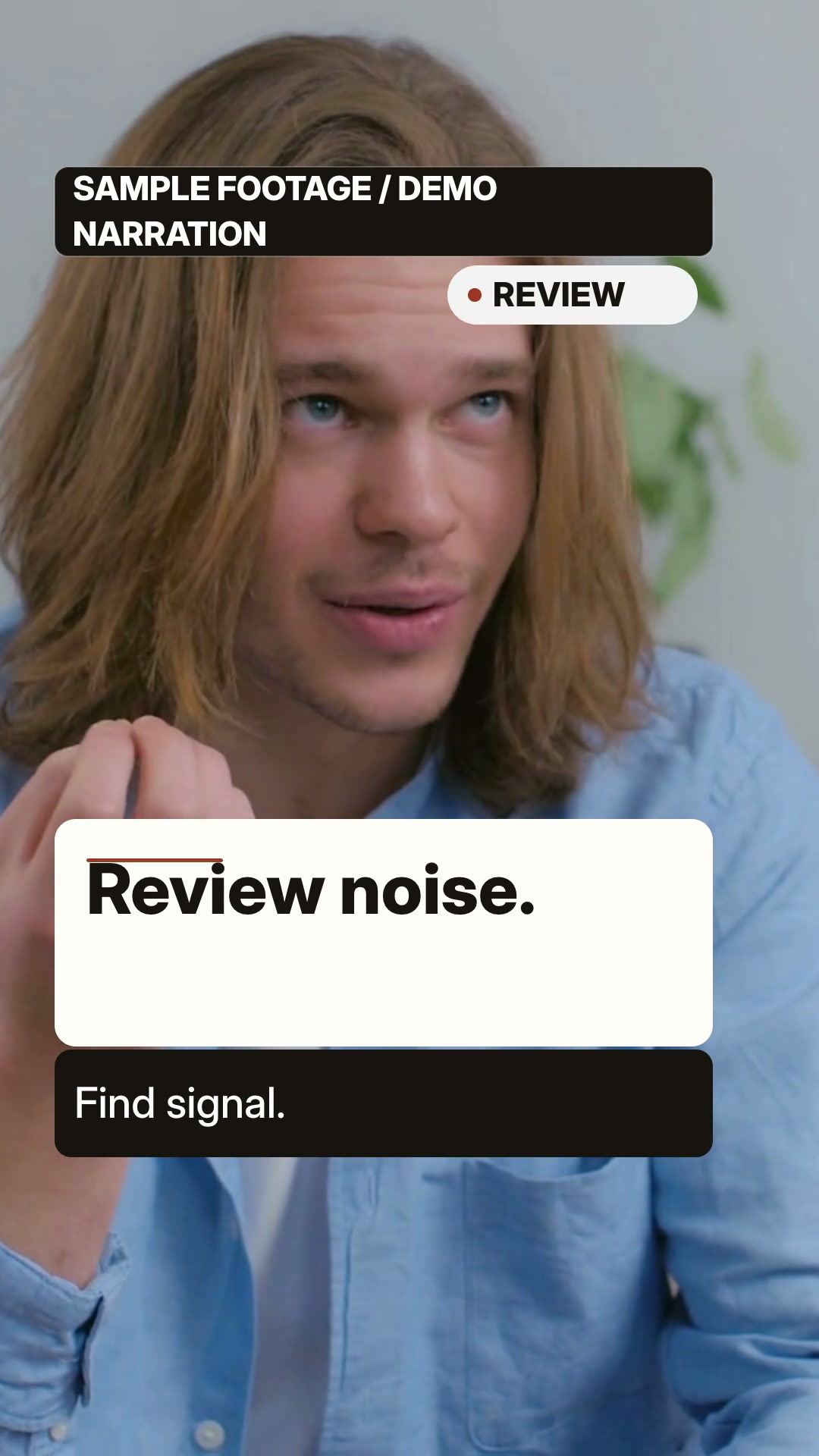
A vertical talking-head pack for rights-cleared footage: add editable cards, checklists and before/after comparisons with narration, burned captions and scene-level edits.

SAMPLE FOOTAGE / DEMO NARRATION: synthetic narration is not the depicted person's speech or endorsement. 9:16 · 0:15

What you get

  • 1080×1920 / 30 fps MP4 (15–60 s), cover.jpg, captions.srt and layout.json measured from the real DOM/SVG
  • Real speaker footage remains the main visual; overlays add editable card, checklist and before/after comparison syntax
  • Local Kokoro English narration with burned captions; no stock person, AI avatar or paid generation bundled
  • Scene-level editing: change one overlay line and only that scene re-renders
  • MIT source credit, font OFL notice and an explicit input-media rights boundary

You will need

  • One regular local rights-cleared speaker video at least as long as each example scene timeline
  • macOS with Node.js 22+, FFmpeg and FFprobe
  • HyperFrames 0.8.181 and headless Chrome
  • A local Kokoro environment for the default English voice

Good fit

  • Interviews, vlogs, creator explainers and product opinions with a real speaker
  • Short scripts where a decision card, checklist, or contrast should land on a spoken beat
  • Creators who already own a vertical or crop-safe talking-head clip

Not for

  • No-footage briefs, invented presenters, AI avatars or static placeholder cards
  • Unlicensed stock footage, third-party watermarked clips or claims that need on-screen evidence
  • Long interviews with dense transcripts or more than twelve visible words per scene

You say

“Use Presenter Overlay Pack (Feed) with a rights-cleared real speaker video. Provide a topic, 3–6 beats and editable card, checklist, and comparison copy; the Skill keeps the speaker visible and adds local Kokoro narration and burned captions.”

After installing, say something like this to your agent with your own topic and assets. It asks only for what is missing.

FAQ

Do I need an account?

Yes. Members Skills install from a signed-in FeedSkills account with an active Founding Membership.

What does it cost to run?

The Skill is included with Founding Membership. It needs the tools listed under “You will need”. Any voice, model or media service you choose bills you directly; FeedSkills does not include provider credits.

Can I use the videos commercially?

Videos you make are yours to use, including commercially. The Skill package is licensed as: Source available · Huashu Motion talking-head grammar MIT · bundled font SIL OFL 1.1. Fonts, music, footage and services you add keep their own terms.

Which agents does it work with?

Agents that read SKILL.md files, such as Codex or Claude Code. What FeedSkills has actually tested is listed under Tested scope below.

Tested scope

Version
0.1.2
Acceptance
This version has a recorded acceptance entry.
Tested
Technical candidate verified on 2026-10-28: A/B/edit are 1080×1920, 30 fps, 15.0 s H.264/AAC, with full decode, moving-footage checks, source binding and incremental frame proof. The Pexels #7199652 footage is review-only and absent from the package; Kokoro narration is not the person's speech or endorsement. Human audiovisual review, physical-device checks and customer adoption remain unverified.
Runs on
Claude Code · Codex · macOS · Node.js 22+ · FFmpeg
License
Source available · Huashu Motion talking-head grammar MIT · bundled font SIL OFL 1.1

Details

Demo notice — SAMPLE FOOTAGE / DEMO NARRATION. This is an independent stock-footage Skill demonstration, not a statement by the depicted person. The narration is synthetic and is not that person’s speech; no person or brand endorses FeedSkills or this product. The review clip is by SHVETS production on Pexels, under the Pexels License. The raw stock clip and source frames are not distributed.

Two presenter-overlay studies

Presenter Overlay Pack keeps a real speaker clip visible while editorial cards, checklists and before/after comparisons land on speech beats. The supplied A/B studies retain the visible SAMPLE FOOTAGE / DEMO NARRATION boundary.

Use the workflow

Bring a rights-cleared local speaker clip at assets/talk.mp4 and one of the included English briefs. The workflow keeps that video as the subject, adds editable card/checklist/compare overlays, measures the live DOM/SVG, mutes source audio and exports MP4, cover, burned captions, captions.srt, measured layout and a render report. Change one stable scene ID at a time; unchanged scene segments are reused.

Every Illustrative: quote is user-authored demo copy, never a discovered interview quote. The public A/B examples carry the permanent disclaimer above. They do not release the raw Pexels clip, independent source frames or stock photos, do not identify the person as a presenter, and do not claim a separate model release. Do not reuse these composites for advertising or client case studies, and do not remove the disclaimer. For new work, use only footage you have permission to distribute.

Source, runtime and access

The talking-head grammar reference is Huashu Motion at pinned commit 5f2608c2e12abcf518f74dde86093b19f7f88603 under MIT. Bundled Inter is under SIL OFL 1.1. HyperFrames 0.8.181, FFmpeg/FFprobe, Node.js 22+ and a local Kokoro environment are separate runtime dependencies; no upstream people, stock footage, music or AI presenter is bundled.

This is a Members Skill. An active Founding Membership is required; the public catalog exposes the summary and example routes only. The preview is not a claim that all likeness rights are cleared; it is limited to the current synthetic composites and their permanent demo notice.