Pipeline Stage Feed
Pipeline Stage Feed is a Members Skill for showing work moving through named stages with visible statuses and artifact handoffs. It is a process explanation, not a throughput dashboard.
Reviewed A/B previews
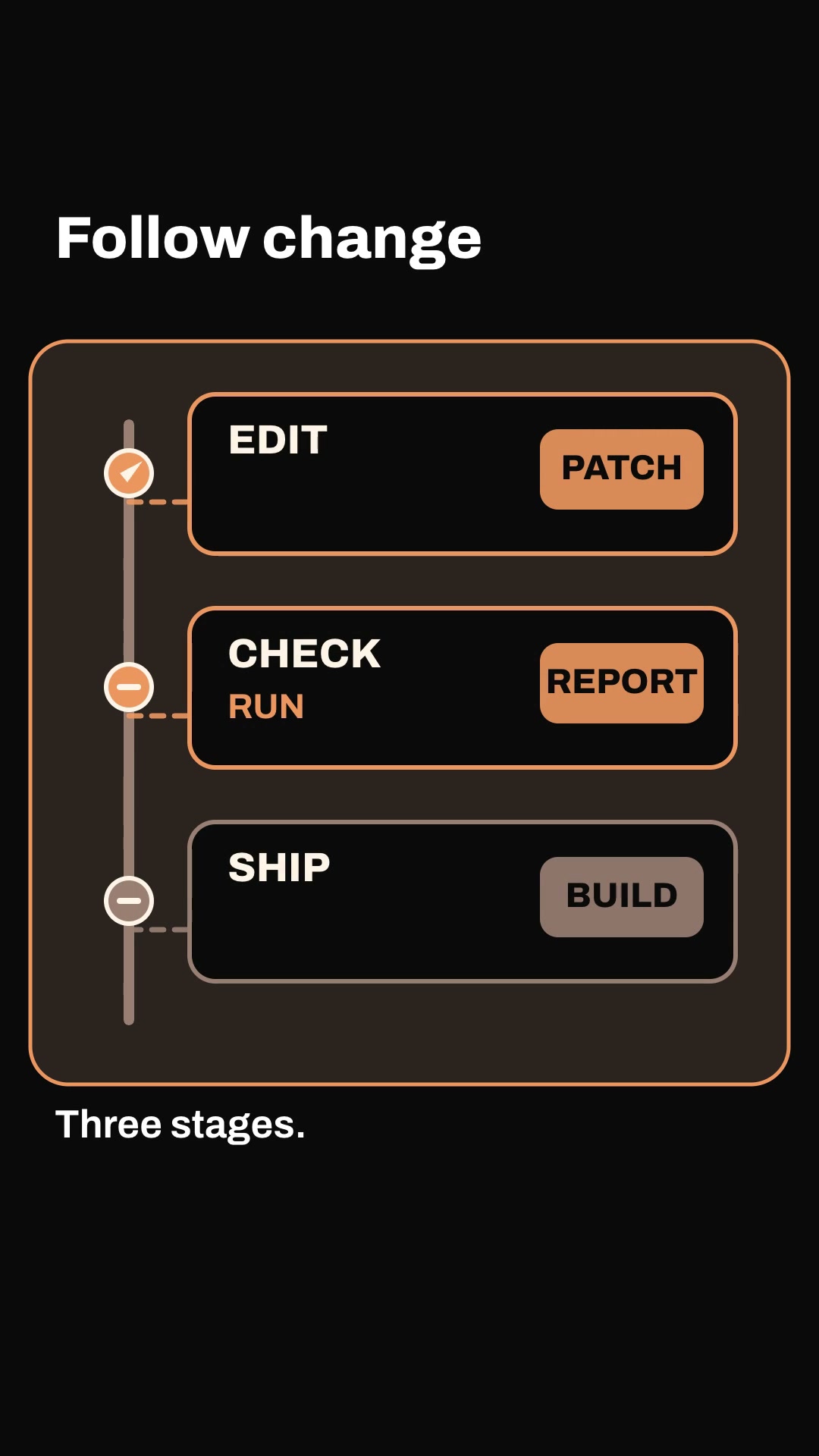
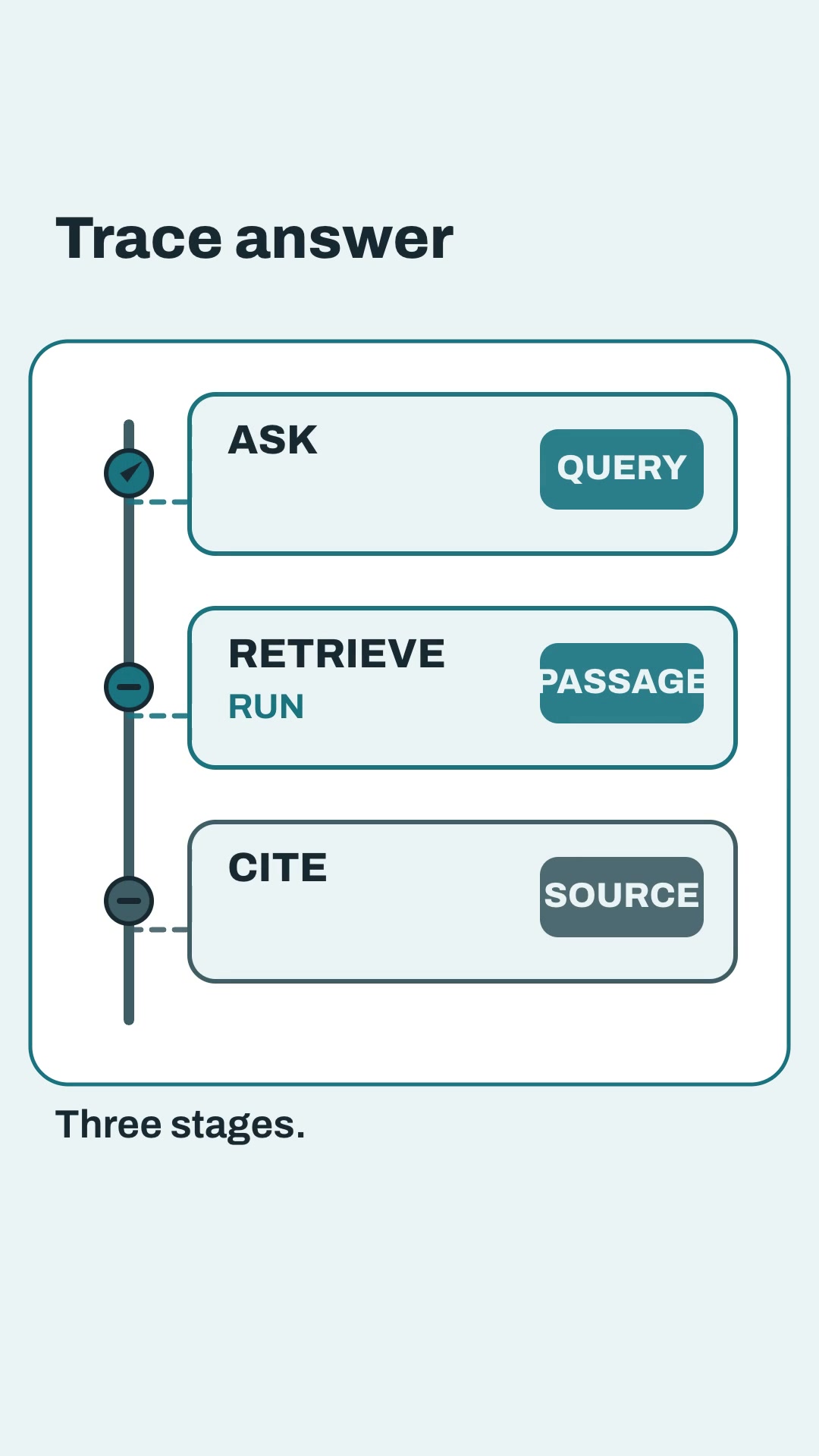
Both examples show three ordered stages, explicit state and a named artifact passed forward. They are code-rendered English explainers with burned captions, SRT, measured layout and a local-edit path; illustrative pipelines do not claim a quality or speed improvement.
Install and use
Install the approved member package with:
npx --yes --package=https://feedskills.com/downloads/feedskills-0.3.6.tgz feedskills install pipeline-stage-feed --agent codexCopy examples/theme-a.json or examples/theme-b.json into a project outside the installed Skill. Supply three named stages, each status and the artifact handed forward, then validate, create and render with the included scripts. Use local Kokoro for narration; node render.mjs --no-voice is an explicit silent export.
For a single-scene revision, keep stage order, ids and durations stable, edit one copied scene, rerun the render and inspect render-report.json. Compare the changed scene with native decoded frames for the five unchanged scenes.
Boundaries
Show the artifact actually produced by each stage and keep status claims tied to the input. A blocked stage is an observed input state, not a diagnosis of the external system. Do not use decorative arrows, remote logos or paid media generation as evidence.