Menu
Members Video skillAI tools and software explainers15–60 sec

Integration Map Feed

Show one software hub and its connected or waiting endpoints as a readable topology.

Two 19.2-second English integration maps with connected and waiting endpoints, plus a verified single-scene edit. 9:16 · 0:19

What you get

  • A central hub with three visible endpoint relationships
  • Solid connected links and open pending links in one topology
  • 1080×1920 / 30 fps video, burned captions, SRT and DOM-measured layout

You will need

  • Node.js 22+, FFmpeg/FFprobe and a browser
  • A hub and three endpoint records
  • Local Kokoro or an explicit silent export

Good fit

  • AI tool stacks
  • Data handoffs
  • Connected versus waiting endpoints

Not for

  • A generic list of services
  • Unverified integration claims
  • Decorative network lines without data

You say

“Use Integration Map Feed to explain a real tool or data integration. Provide one hub and exactly three endpoints with explicit connected or pending states; do not turn an illustrative diagram into a product claim.”

After installing, say something like this to your agent with your own topic and assets. It asks only for what is missing.

FAQ

Do I need an account?

Yes. Members Skills install from a signed-in FeedSkills account with an active Founding Membership.

What does it cost to run?

The Skill is included with Founding Membership. It needs the tools listed under “You will need”. Any voice, model or media service you choose bills you directly; FeedSkills does not include provider credits.

Can I use the videos commercially?

Videos you make are yours to use, including commercially. The Skill package is licensed as: FeedSkills Source-Available License 1.0 · fonts SIL OFL 1.1. Fonts, music, footage and services you add keep their own terms.

Which agents does it work with?

Agents that read SKILL.md files, such as Codex or Claude Code. What FeedSkills has actually tested is listed under Tested scope below.

Tested scope

Version
0.1.2
Acceptance
This version has a recorded acceptance entry.
Tested
Distribution 0.1.2 retains the approved 0.1.1 films: centered A/B and one-scene edit, each 19.2 seconds, passed measured DOM, full-stream and native-frame/audio reuse checks. SVG foreground union center is 540px in every hold; card-hub intersections are zero. The owner approved these exact three films. Real-phone review and customer adoption remain separate.
Runs on
Codex · macOS · Node.js 22+ · FFmpeg
License
FeedSkills Source-Available License 1.0 · fonts SIL OFL 1.1

Details

Integration Map Feed

Integration Map Feed is a Members Skill for making one software hub and its endpoint states legible in a vertical frame. A connected link is an input state, not proof of reliability or availability.

Reviewed A/B previews
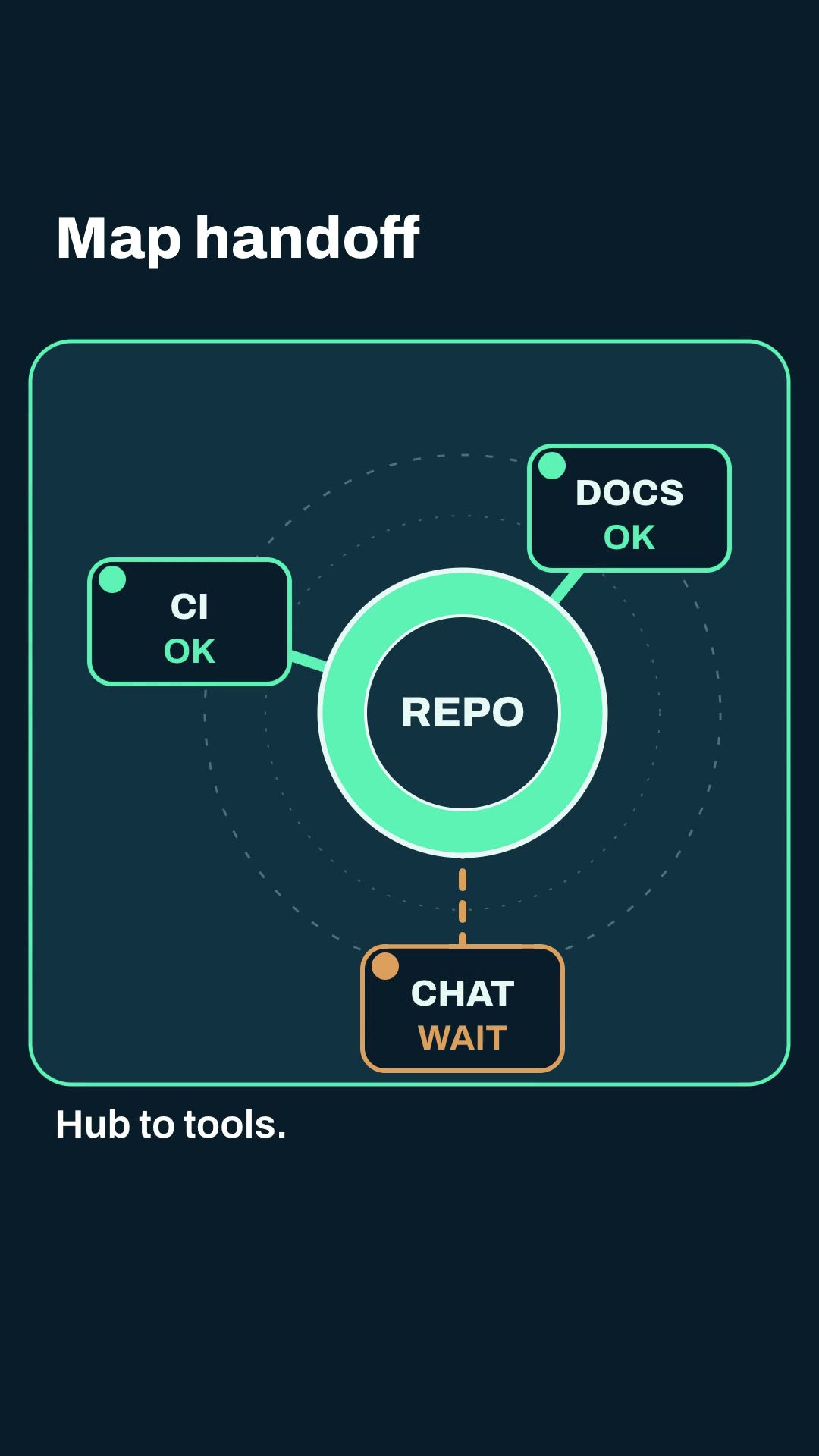
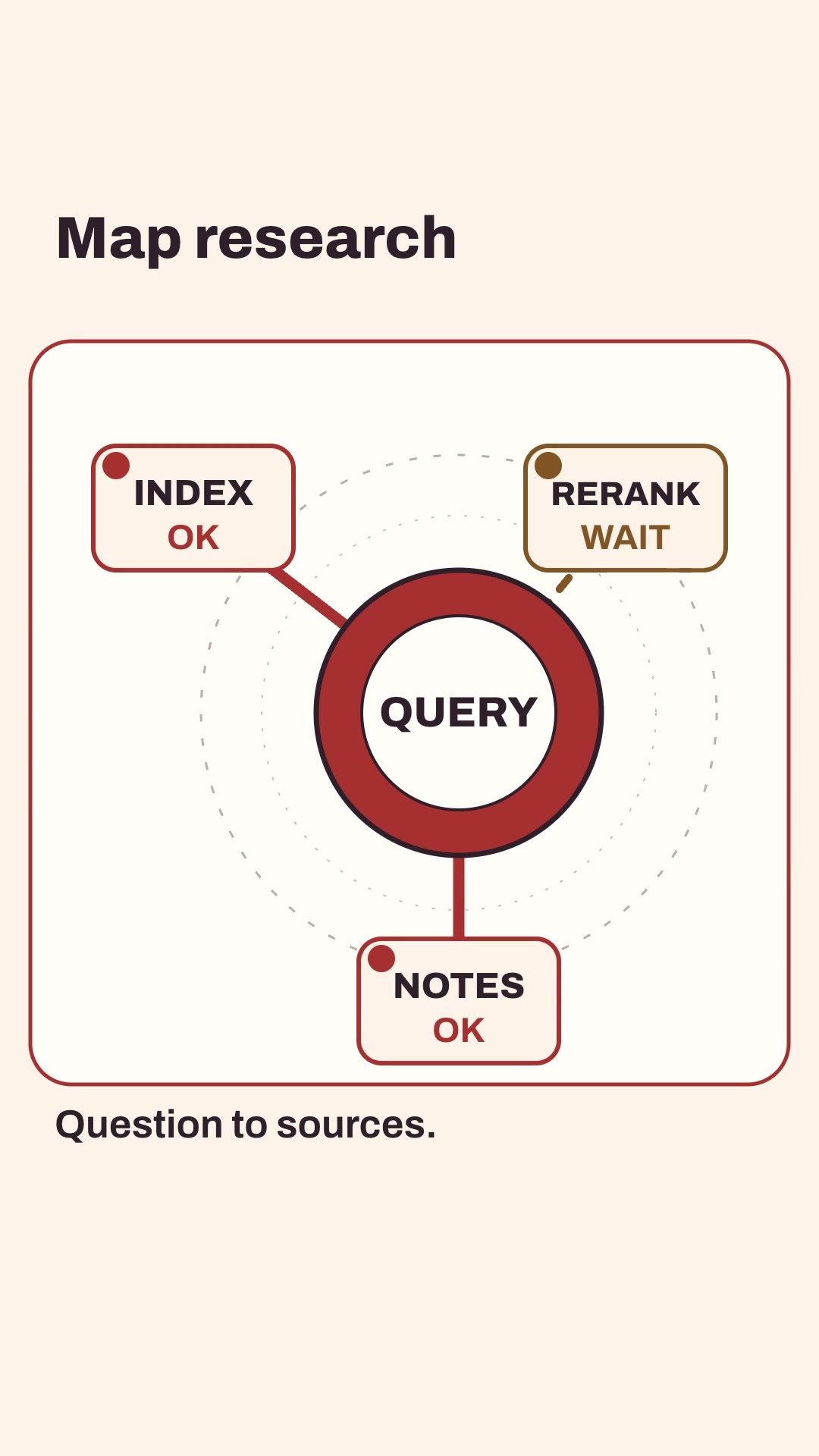
Both examples show one hub, three endpoints and explicit connected or pending states. They are code-rendered English explainers with burned captions, SRT, measured layout and a local-edit path; illustrative maps are not independent integration checks.

Install and use

Install the approved member package with:

npx --yes --package=https://feedskills.com/downloads/feedskills-0.3.6.tgz feedskills install integration-map-feed --agent codex

Copy examples/theme-a.json or examples/theme-b.json into a project outside the installed Skill. Supply one hub and exactly three endpoint records, each marked connected or pending, then validate, create and render with the included scripts. Use local Kokoro for narration; node render.mjs --no-voice is an explicit silent export.

For a single-scene revision, keep hub, endpoint ids and durations stable, edit one copied scene, rerun the render and inspect render-report.json. Compare the changed scene with native decoded frames for the five unchanged scenes.

Boundaries

Use source notes for real endpoint names and states. Do not turn a connected line into a claim about uptime, speed, security or a working account. No remote logos, screenshots or paid media generation are required.